
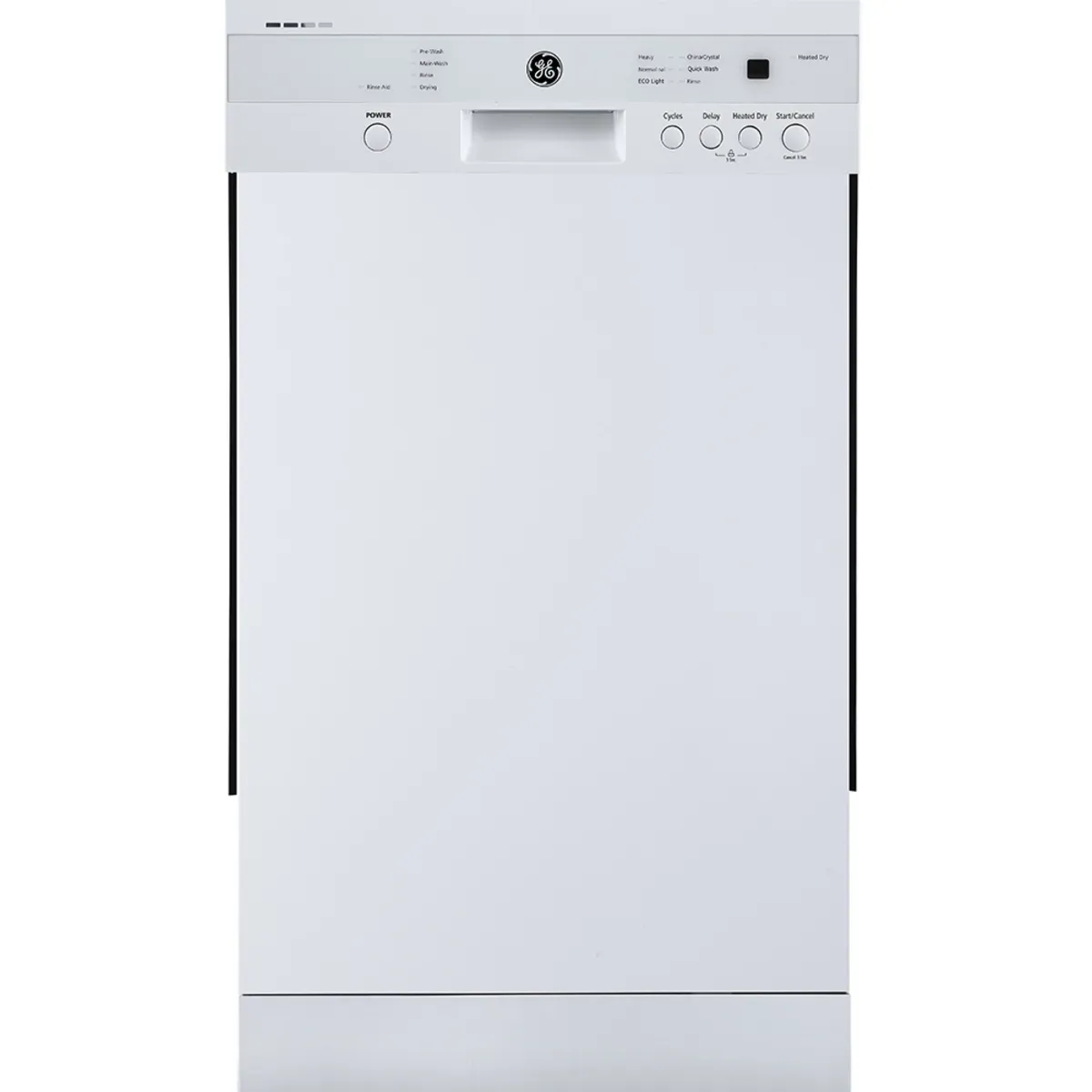
Dishwasher Not Starting? Check These Things Before You Call
You load the dishwasher, add detergent, press start, and nothing happens. No sound, no water, maybe a blinking light. A lot of the "dead dishwasher" calls we get in Kitchener and Guelph turn out to be something the homeowner can fix in a few minutes.
Here is what to check, in the order we would check it. If you need to reach under the sink or behind the kick plate at any point, switch off the dishwasher's breaker first.
1. Make Sure It Has Power
Check your electrical panel for a tripped breaker. Many dishwashers share a circuit with the garburator, and some are plugged in under the sink or wired to a wall switch that looks like a light switch. Make sure that switch is on.
If the dishwasher is plugged into a GFCI outlet, press the reset button. If the breaker trips again right away, stop and call a technician. That points to an electrical fault.
2. Check That the Door Is Fully Latched
A dishwasher will not start unless the door latch is fully engaged. A large pot handle, a baking sheet or a rack that is not pushed all the way in can stop the door from closing completely. Open the door, check that nothing is sticking out, and close it firmly until you hear or feel the latch catch.
3. Look for a Control Lock
Most dishwashers have a control lock or child lock that disables the buttons. It usually shows as a small lock symbol on the display. It is turned on and off by holding one button (or a pair of buttons) for about three seconds. Your owner's manual will list the right one for your model.
4. Check for Delay Start
If the delay start setting is on, the dishwasher is working as designed. It is just waiting. Look for a delay indicator or a countdown on the display and cancel it.
5. Follow the Start Sequence
Many newer dishwashers with controls on the top edge of the door need you to press start and then close the door within a few seconds. If you close the door first and then try to start it, nothing happens. Check your manual if you are not sure which type you have.
6. Try a Reset
Controls sometimes get stuck after a power flicker or a cancelled cycle. Switch off the breaker for the dishwasher for about five minutes, then turn it back on and try a short cycle.
7. It Starts but Does Not Fill
If you hear the dishwasher running but no water comes in, check the water supply valve under the kitchen sink. It is usually a small valve on the hot water line. Make sure it is fully open. If the water supply is on and it still will not fill, the inlet valve or float switch may be the problem.
When It Is a Part, Not a Setting
If you have checked power, the door, the locks and the settings, the problem is likely inside the machine. Common causes include a faulty door latch switch, a blown thermal fuse, or a control board failure. Flashing lights or an error code are useful clues, so write them down before you reset anything. These repairs involve internal wiring and should be done by a technician. Do not try to bypass the door switch.
Book a Dishwasher Repair
Handwashing dishes for a family gets old quickly. If your dishwasher still will not start after these checks, Al's Appliance can diagnose it in your home. We provide dishwasher repair across Kitchener, Waterloo, Cambridge and Guelph, with a quick turnaround on booking.
Call 519-824-8828 or visit alsappliance.ca. If it turns out your dishwasher is not worth repairing, we also carry new, used and scratch and dent dishwashers with delivery available.